SceneSIM
Simulate, Design
& Edit Any Scene
in Real-Time 3D
The spatial AI platform for interior design, floor planning,
and smart environment simulation
Turn a single image, multiple images, or a floor plan into an editable 3D scene.
Upload a scene using a single image, multiple images from different views, or a floor plan with one or more rooms. Convert it to 3D, then move, swap, resize, and add items, change your view, and snap new images or record videos.
1-minute walkthrough
01
Upload Scene Images
Drop one or more images of the scene from different views, or a floor plan, and enter scene dimensions.
02
Add key items
Add images and dimensions for key items in your uploaded scene.
03
Convert to 3D & Edit
Resize, stage and swap items in your real 3D environment.
04
Create Images or Videos
Snap images or record videos of your converted scene.
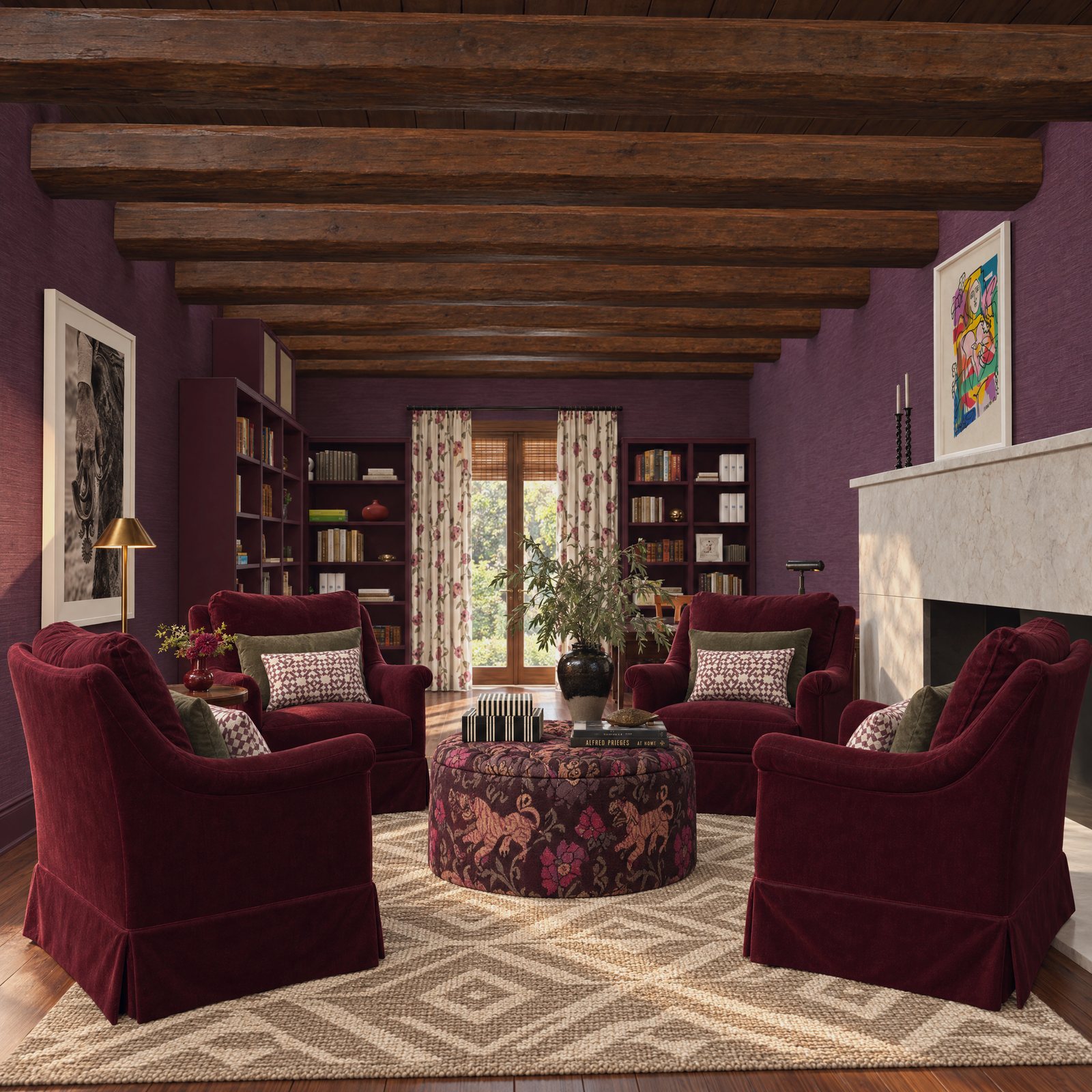
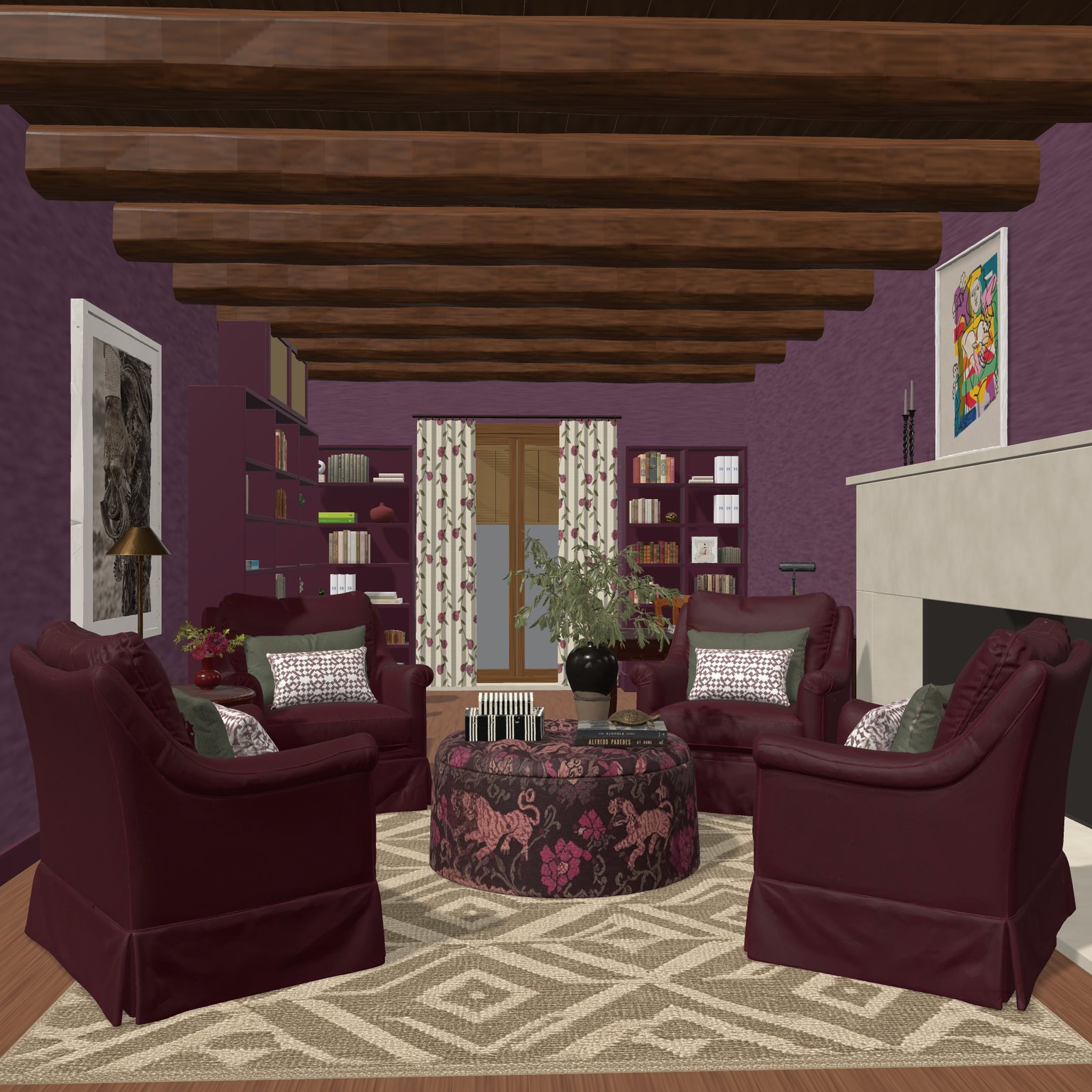 Image3D Scene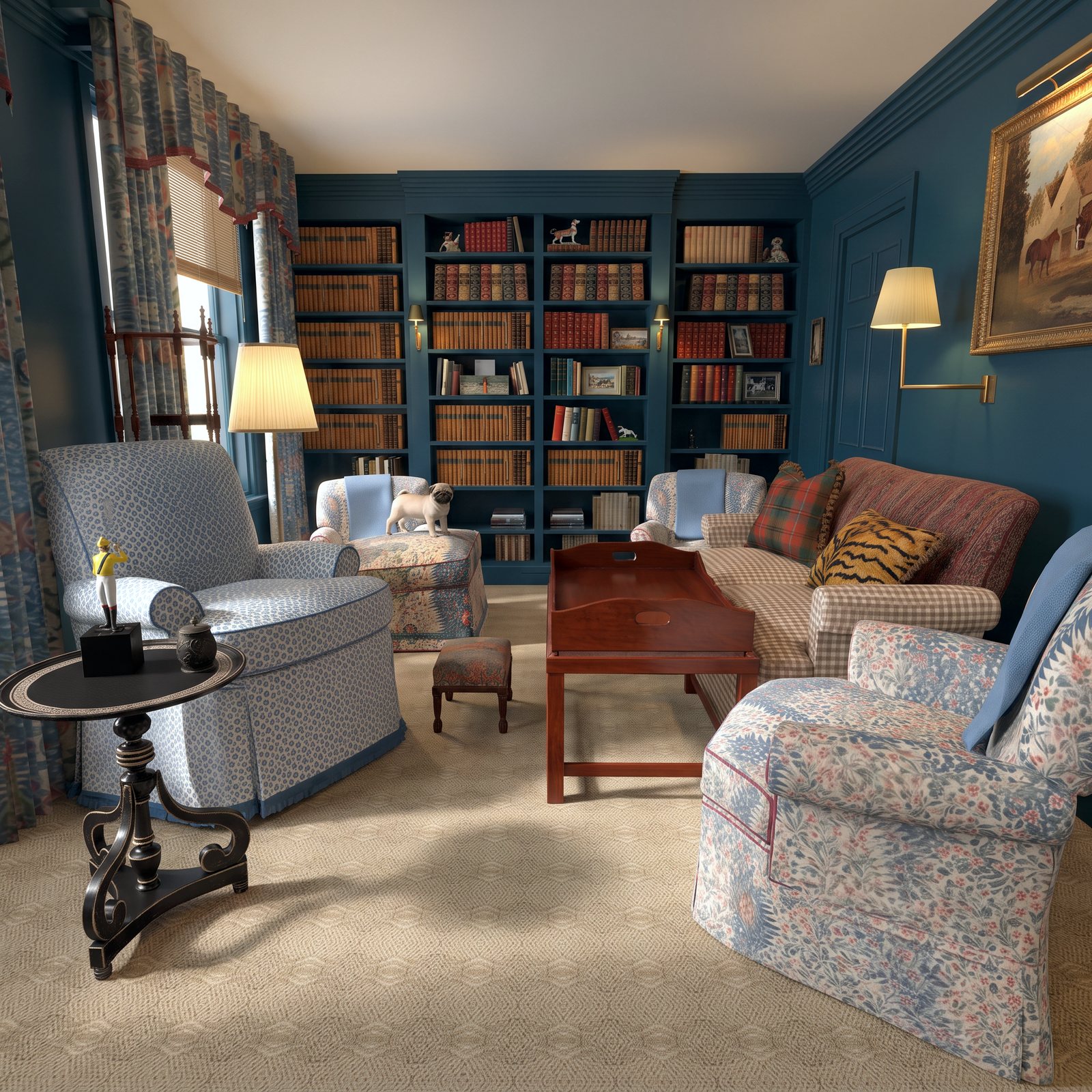
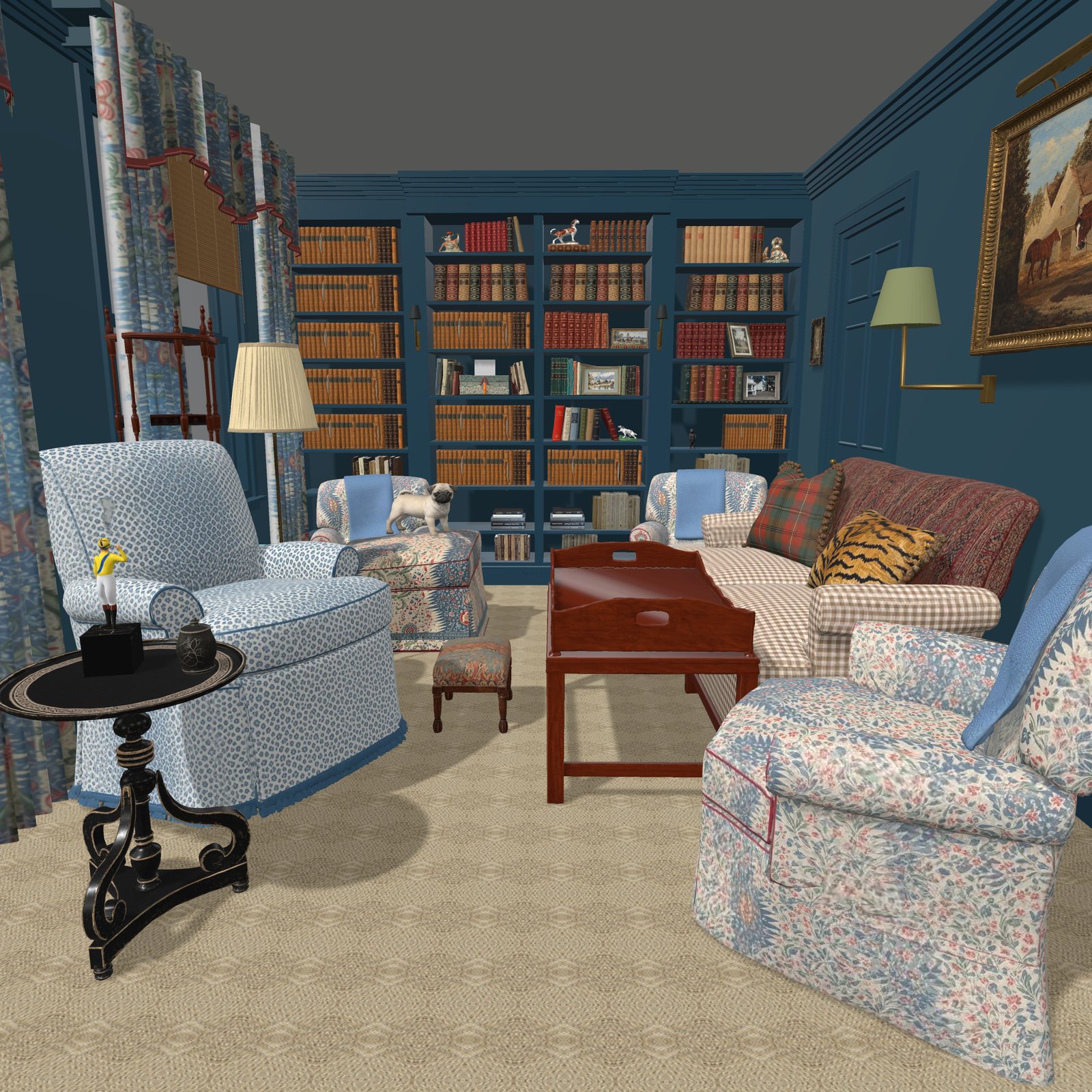
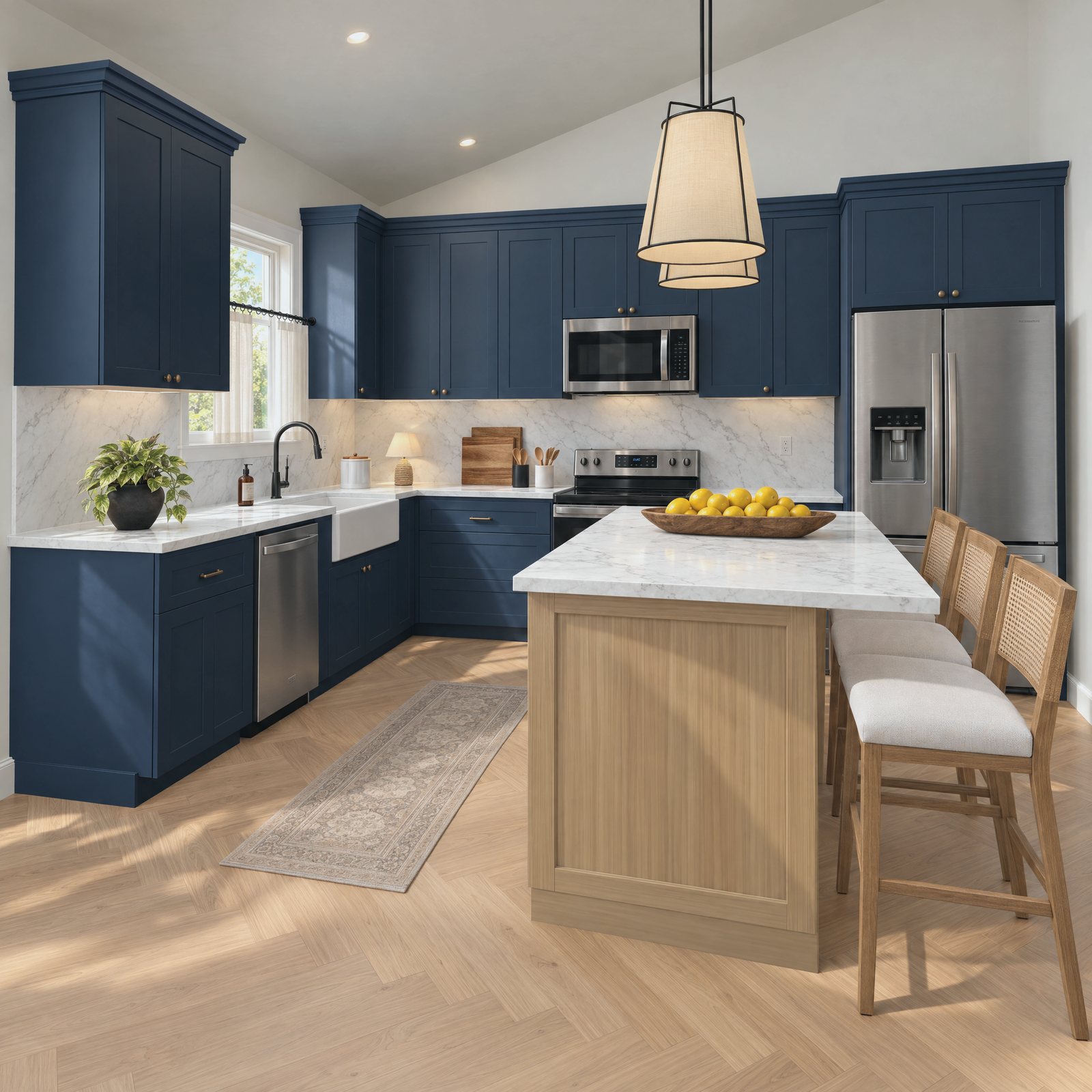
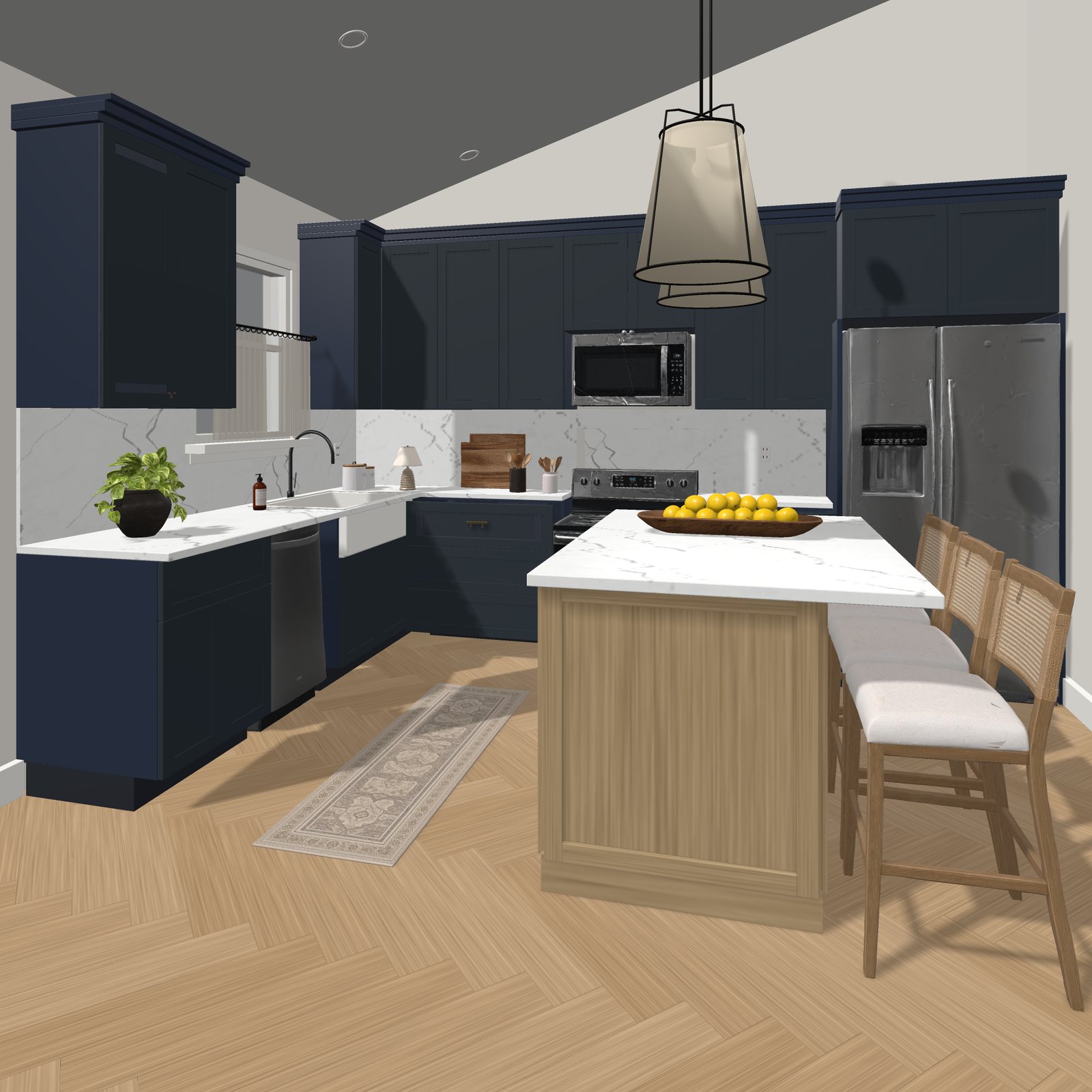
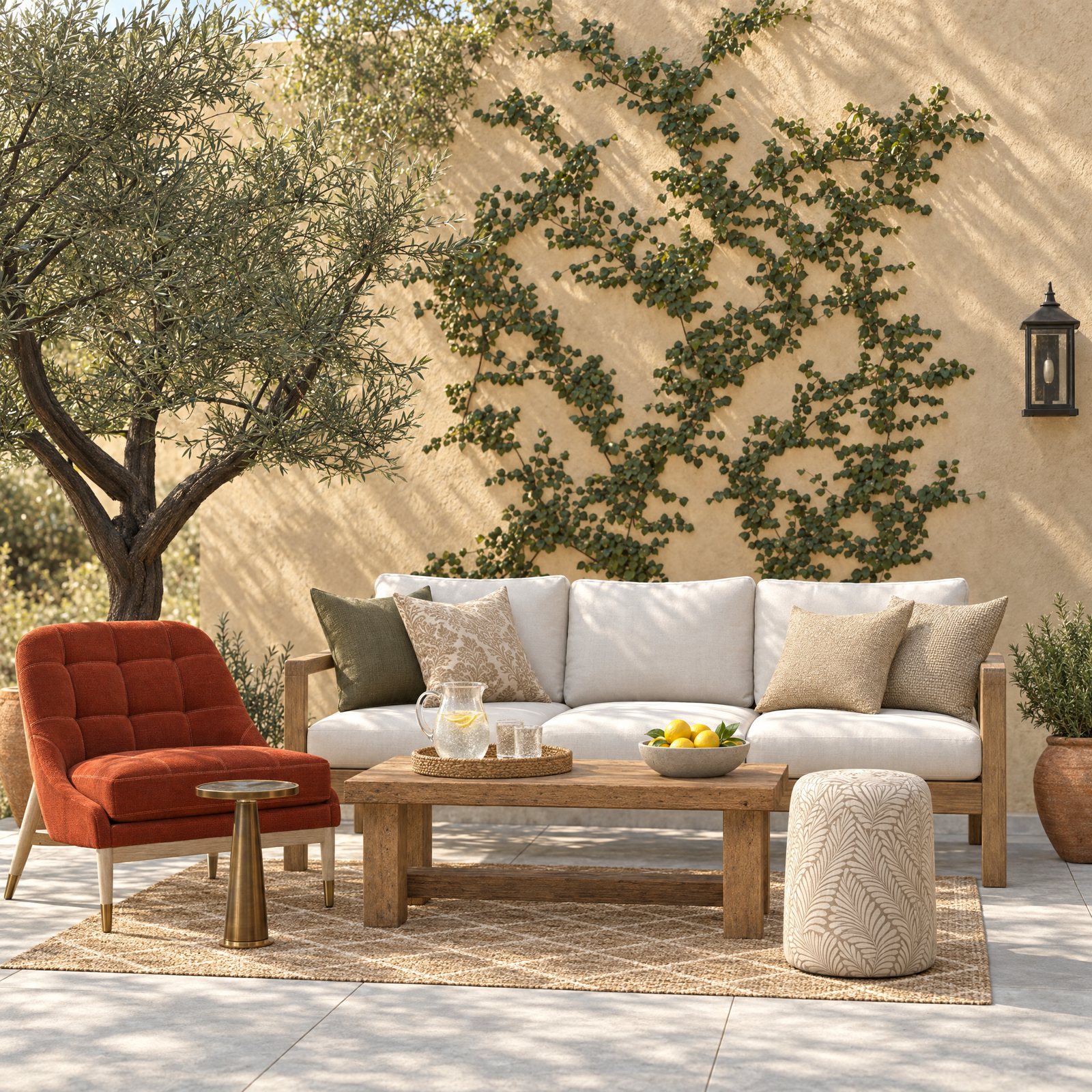
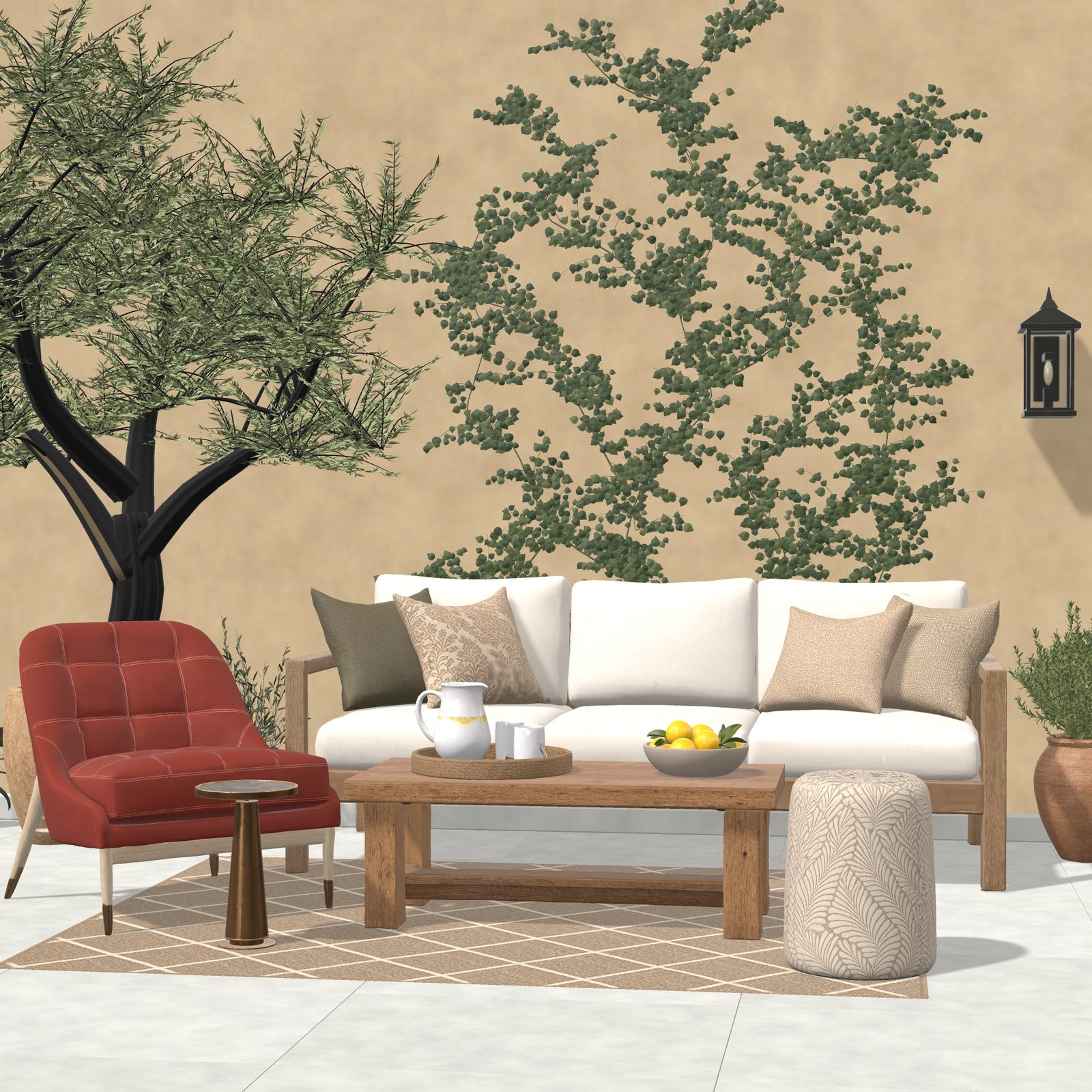
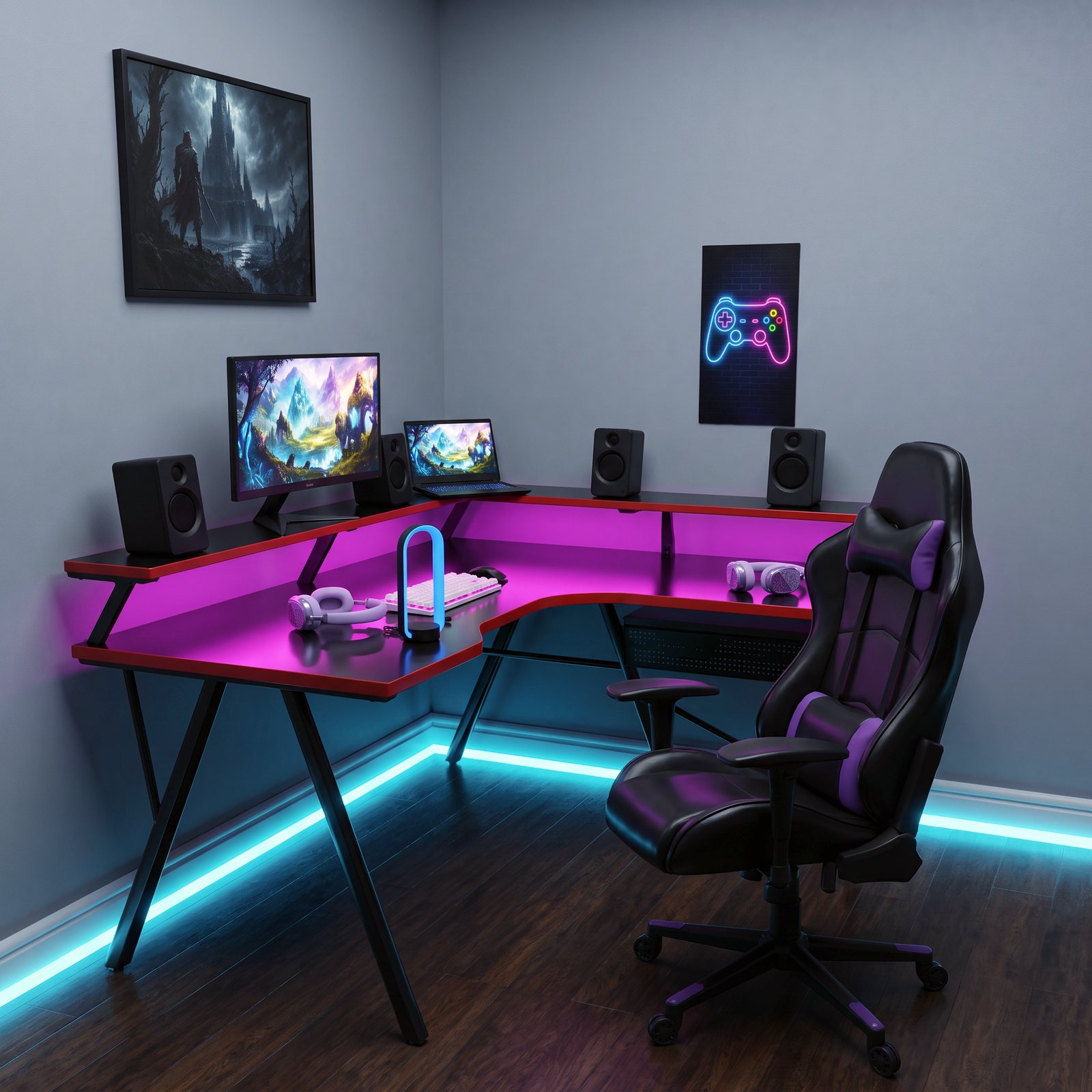
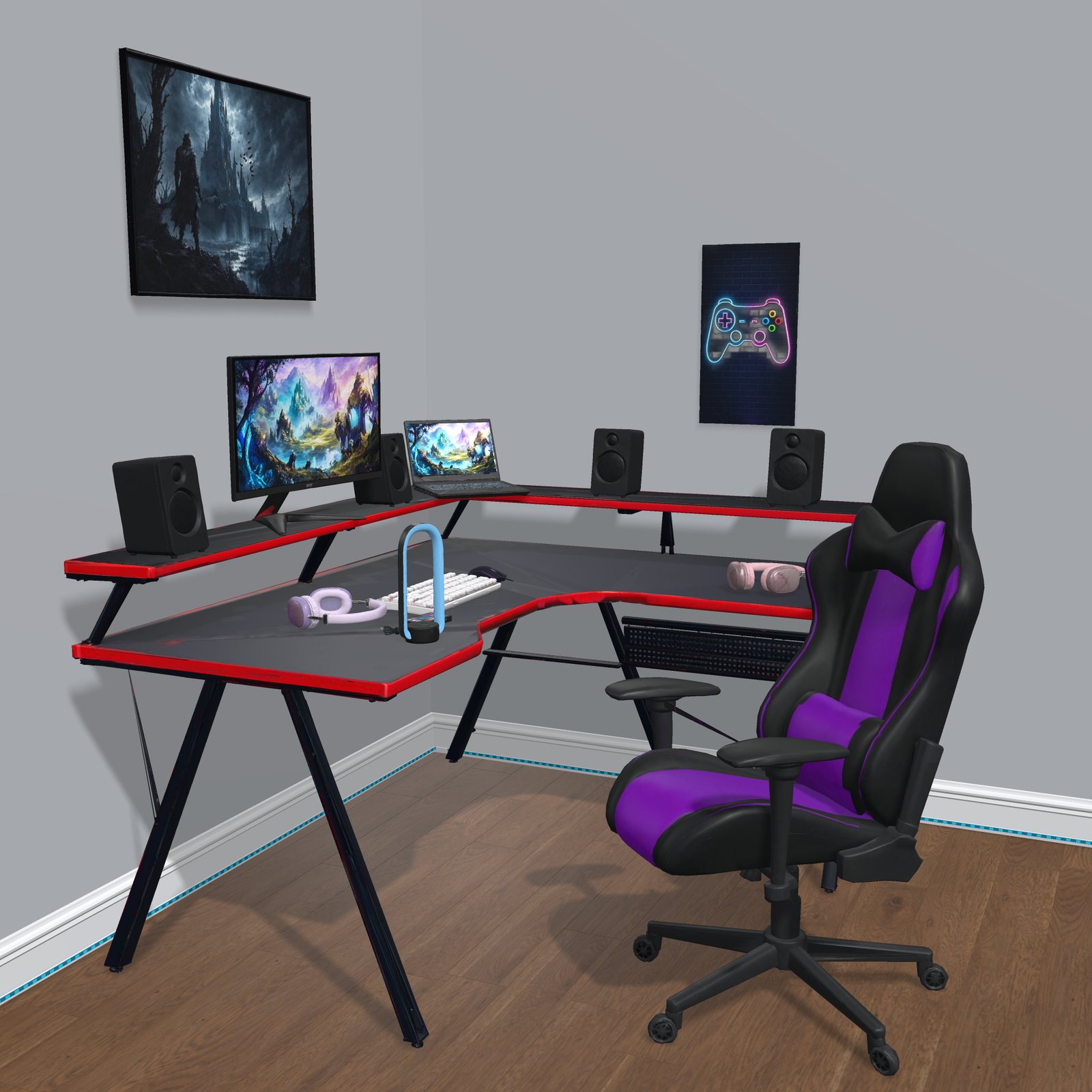
Uploaded Image to editable 3D Scene
Start with one scene. It's free.
No credit card required